
How to Install IPTV on Amazon Fire TV
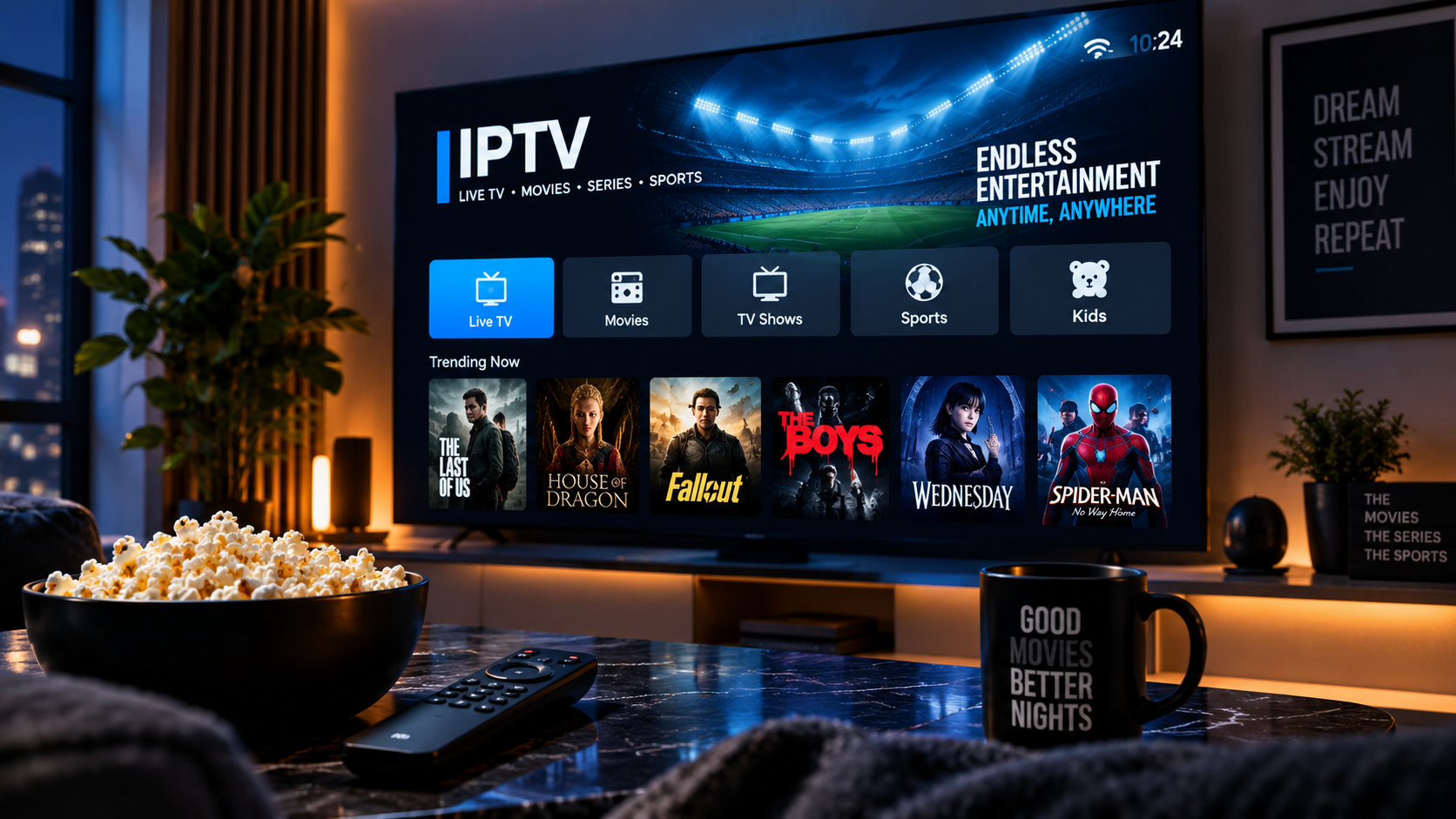
Fire TV and Fire TV Stick basics
Amazon's Fire TV lineup, including the Fire TV Stick and Fire TV Cube, runs the same Fire OS platform, so IPTV setup steps are largely the same across these devices.
Installing an IPTV app
Open the Amazon Appstore, search for a compatible IPTV player, and install it. Launch the app and enter your Xtreme HD IPTV login details to load your channels and content library.
If you don't see a suitable app
Some IPTV apps aren't listed in the Amazon Appstore and need to be sideloaded using a file manager app. Our installation guide covers this process in more detail if needed.
Related pages
Related articles
How to Set Up Xtreme HD IPTV on Firestick
Step-by-step guidance for getting Xtreme HD IPTV running on an Amazon Firestick, from installing the app to loading your subscription.
Best IPTV Players for Firestick
An overview of what to look for in an IPTV player app for Firestick, and how to get one set up with your subscription.