
3 min readXtreme HD IPTV Team
How to Set Up IPTV on a Samsung Smart TV
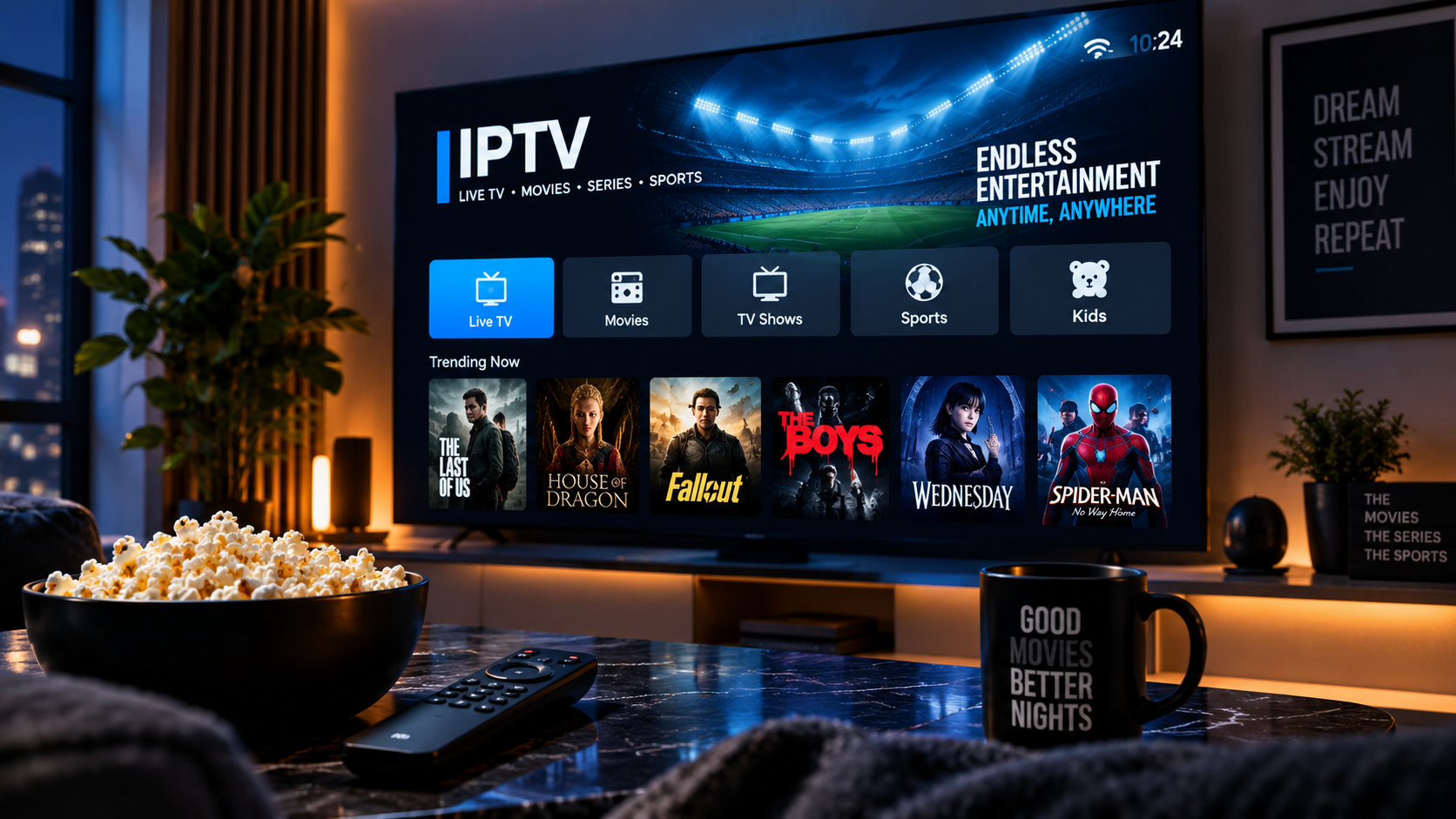
Checking your Samsung TV's compatibility
Most Samsung Smart TVs from recent years support installing IPTV player apps through the Samsung Smart Hub or a similar app store, though the exact steps can vary by model and software version.
Installing and connecting
Search for a compatible IPTV app in your TV's app store, install it, and open it to enter your Xtreme HD IPTV login details. Your channel list should load once the app connects successfully.
If the app isn't available
If your Samsung TV's app store doesn't offer a suitable IPTV app, a streaming device such as a Firestick or Android TV box connected to the TV is a reliable alternative.